01 Scan the vaccine.
Capture product, lot and expiry directly from the vaccine label.

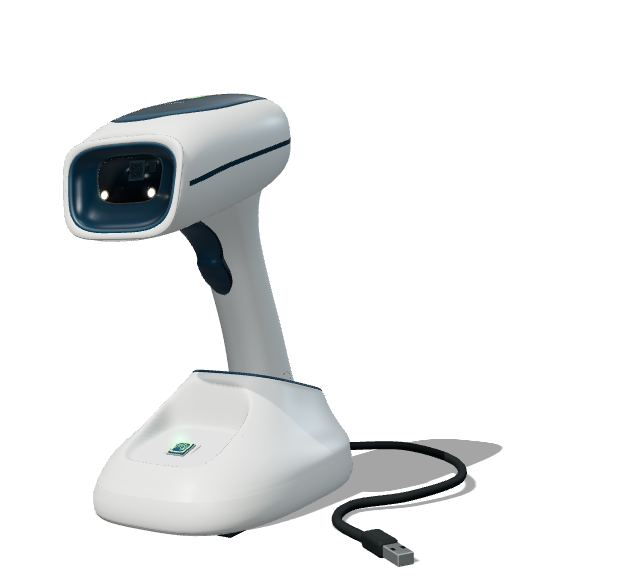
Capture product, lot and expiry directly from the vaccine label.
The VaxLink browser extension matches against the locally cached National Vaccine Catalogue and fills Panorama.
Confirm the match, make any corrections and complete the record.
One vaccine. One entry. A clear path from scan to review.
Several vaccines, with visibility into the queue and control over each entry.
Build product, lot and expiry manifests for mobile-clinic packing, transfers and provider orders.
Read the barcode and enter the vaccine in Panorama.
Multiple-vaccine forms, screen matching and early product fixes.
Funding, corrections, queues and warnings.
Funding, expiry, reason and consent fields.
Connections, retained scans and workstation locking.
Further lot-reading corrections and maintenance of the live tool.
Loading the Panorama training environment…
A shared space for clinical experience to become collective learning.





Sample product, lot and expiry fields for missing or corrected entries. Review confirmed expiry warnings and actions taken.
Observe attention during encounters. Ask clients and staff about the quality of the interaction.
Ask about label readability, cognitive burden and confidence. Observe where work is easier, or still difficult.
Where inventory mode is used, track discrepancies found or resolved and how expiry information supports decisions.
Limited scanners available at no cost.
Thanks to Public Health Sudbury & Districts.
Opening the conversation across health units.
Another opportunity to learn the workflow.
Sharing experience and exploring how to measure impact.